Home
Trending Skins
These are the most viewed skins
Minecraft players
Latest players recorded
Minecraft Capes
Official capes by Mojang
Minecraft news and updates
Discover skins and the latest news

Best Minecraft Skin Editors to Make Your Own Character 2026
Check out the top Minecraft skin editors for 2026. We found the best tools for web, mobile, and PC so you can build a unique look. Stop being a Steve and start creating your own style now.
Read more
The Best Minecraft Bear Skins for Your Next Big Adventure
Check out our latest collection of awesome bear skins for Minecraft. We found the coolest polar bears, pandas, and classic grizzly looks that you can use to surprise your friends in your next game session today.
Read more
The Best Minecraft Dog Skins to Use in Your Next Adventure
Check out this cool list of dog skins for Minecraft. We found some awesome designs like huskies and pugs so you can look like your favorite pet while playing with friends on any server today.
Read more
The Best Alex Minecraft Skins You Should Download Right Now
Check out this cool list of the best Alex skins for Minecraft. We found some really creative designs that make your character look fresh and unique while keeping that classic slim arm style everyone loves to use.
Read more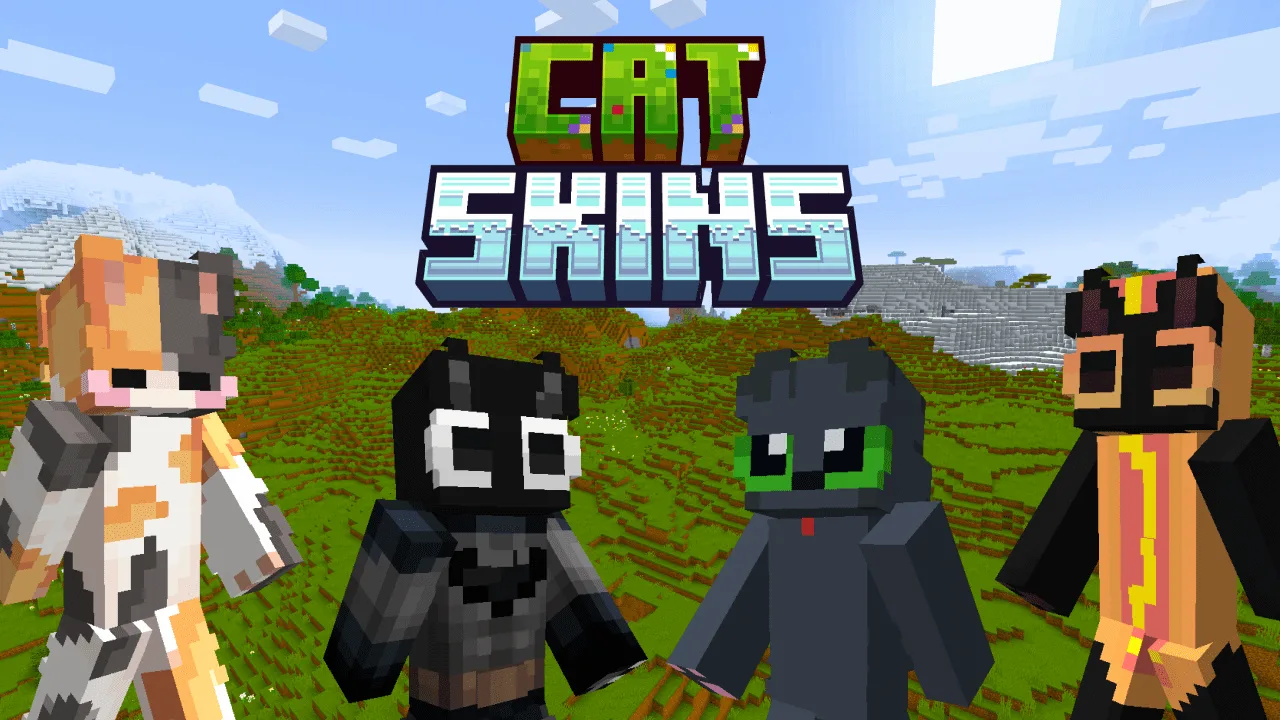
The Best Minecraft Cat Skins to Level Up Your Game Style
Check out this cool list of the best cat skins for Minecraft. We found some really cute and funny designs that you can use right now to make your character look awesome while you play with friends on any server.
Read more
How to change your Minecraft skin in the launcher
Learn how to change your Minecraft skin using the official launcher. Follow this easy guide to upload your new look and stand out in your next multiplayer game.
Read moreDefault Skins
Official skins by Mojang
Steve
Alex
Zuri
Sunny
Noor
Makena
Frequently Asked Questions (FAQ) - SkinsMC.net
How To display your skin on our site?
- Equip the skin on your Minecraft: Java Edition profile (via the game or minecraft.net/profile).
- That's it! Skins sync instantly.
- Search your username on SkinsMC.net to view your updated skin.